









No matter what anyone says, marketing is a creative job at heart. That means you need bandwidth to actually think and strategize.
But here’s the issue. Most marketers get stuck in file work and corporate practices—meeting notes, status reports, manual data pulls, approval chains. The hours disappear into administrative tasks that have nothing to do with actual marketing.
You’re not short on ideas. You’re short on time to execute them. AI productivity tools can reclaim 15-20 hours weekly by automating the repetitive work that keeps you from the creative thinking your role actually requires.
This guide covers the specific AI tools built to eliminate those time sinks. Read on to discover which ones are worth your investment.
Here’s a question I bet you’ve asked yourself: “Why am I working 50-hour weeks and still can’t catch up?”
You’re not alone. And it’s not your fault.
Most marketing teams spend 80% of their time reacting to external triggers and only 20% executing their strategy. Think about your last week. How many times did you drop everything because a competitor launched something new? Or your boss spotted a “trending topic” you need to jump on immediately? This phenomenon is called “firefighting” stage.
You started Monday with a plan. Couple of days later, that plan is still not in execution stage.
Marketers talk to a lot of people – boss, clients, sales team, operations team, and so on. Basically, there is very little time to sit alone and do actual brainstorming.
As a result, you’re not producing marketing. You’re managing conversations about marketing.
It is widely reported that an average enterprise uses 91 marketing cloud services at a time. That means you spend more time logging into platforms than actually using them. Where did that file go? Which tool has the latest data? Are we still paying for that thing?
All of this ultimately means: You’re not just losing time. You’re losing yourself.
Here’s what changed everything for us: We stopped trying to do everything. And started using AI to handle what AI does best.
AI productivity tools for marketers are tools that use artificial intelligence to reduce the manual work behind research, content, reporting and analysis. They automate repetitive tasks, surface insights and speed up creative work so you can spend more time on strategy and less time fighting fires.
Think of them as your invisible team members who write your first drafts, find patterns in your data, connect your apps, and schedule your content.
Here’s an important point to note: AI productivity tools for marketers won’t replace your creativity or strategy. They won’t turn bad marketing into good marketing. But they will give you time back to think. To create. To actually do the strategic work that matters.
Before you get excited about the tools I’m about to show you, we need to talk about something uncomfortable.
You probably already have too many martech tools to deal with. Need to launch faster? Add a tool. Need to track something new? Add a platform. Each tool solves a real problem. But over time, all those quick fixes start to look like a junk drawer.
Here’s the framework I use to vet the best productivity tools for marketers in 2026:
You can also focus on a simple practice. For every tool you add, try to remove one from your stack. This practice forces you to think critically about what you actually need versus what sounds cool.
Now that you know where your time goes, we can talk about tools. These AI productivity tools for marketers support planning, content, reporting and simple automation so you spend less time fixing chaos and more time doing real work.
Gumloop is a no-code workflow automation platform that lets you build complex AI-powered processes visually. Think Zapier, but with ChatGPT, Claude, and web scraping built right in.
Here’s where it saves you time: those repetitive multi-step tasks you do every Monday. Checking competitor websites, copying data to spreadsheets, running analysis, updating your CRM. You build the workflow once by dragging blocks around, and it runs automatically forever.
Marketers are using it for lead enrichment, SEO research, competitor monitoring, and content repurposing. Yes, there’s a learning curve – you’ll need a couple of weeks to actually get comfortable with the platform. But in long run, Gumloop will automate workflows that used to eat 5-10 hours weekly.
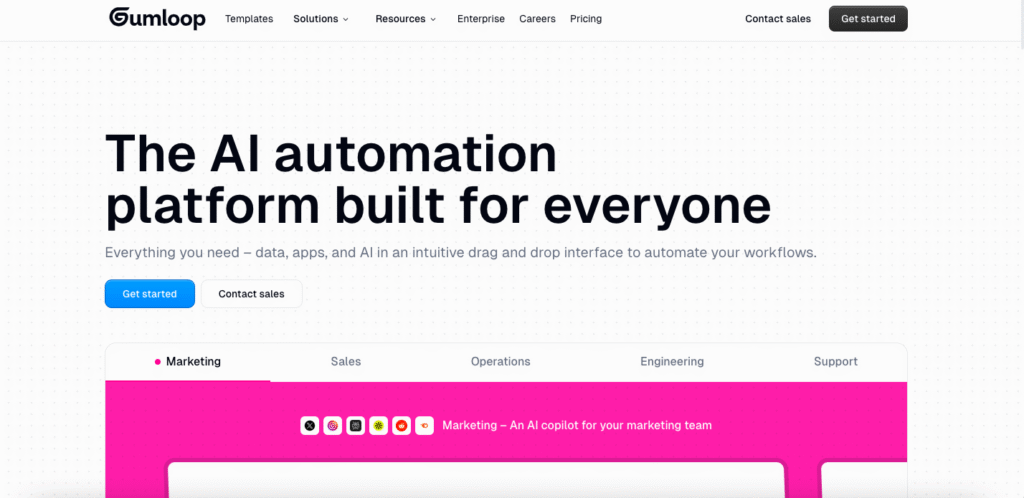
Free plan gives you 2k credits/month where you can set 2 concurrent runs. Paid plans start at $37 per month.
You know that feeling when you type the same email response for the 30th time today? Magical fixes that.
It’s a text expander that works everywhere – and I mean everywhere. Gmail, LinkedIn, Slack, your CRM, that janky internal tool your company built in 2015. Type a shortcut, boom, full personalized text appears.
The AI part? It adapts based on context and not just static templates. If you’re sending 20+ emails daily or doing repetitive data entry, you’re getting 15-20 minutes back every single day. Do the math—that’s 5-7 hours monthly you can actually use for strategy instead of typing “Thanks for reaching out” one more time.
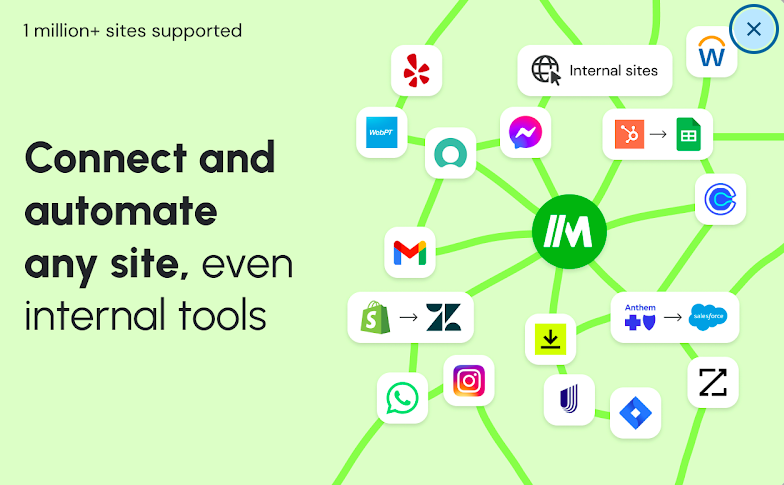
Free for 600 monthly expansions. Paid plans start at $10/month.
Venngage is an AI-powered design platform for creating infographics, reports, presentations, and data visualizations without design skills.
The productivity win? Stop spending hours in design software trying to make data look presentable. Turn simple prompts into stunning professional visuals in seconds. Marketing teams use it to transform complex campaign data into client-ready reports, create pitch decks, and design infographics for content.
The AI auto-fills templates with your data, maintains brand consistency automatically, and generates custom illustrations that match your style. If you’re creating 5+ visual reports monthly, you’re saving 2-3 hours per report just on design and formatting.
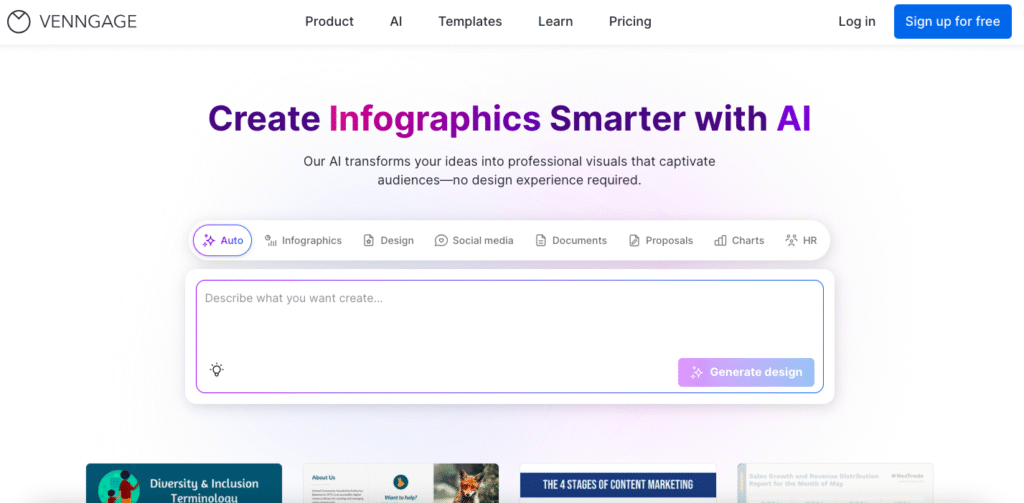
Free plan available. Premium at $19/month. Business at $49/month.
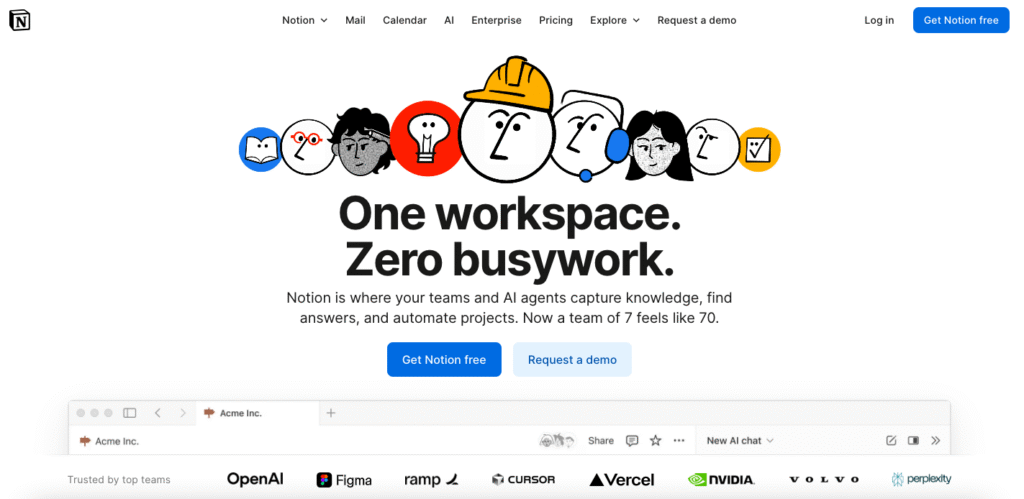
Chances are you’ve already heard of Notion. It is your all-in-one workspace where docs, databases, and wikis live together. Marketing teams often use it for campaign briefs, content calendars, brand guidelines, and project tracking.
But here’s the crucial part: With Notion, the productivity win is not just organization. It’s quick elimination of context switching. For example: You know that 15 minutes you lose every time you can’t remember if something’s in Google Drive, Dropbox, or that Slack thread from three weeks ago? Gone.
With notion, everything’s searchable in one place.
The AI features write meeting summaries, draft content, and answer questions about your entire workspace. “What did we decide about the Q4 campaign?” Type it, get an answer pulled from all your documents. No more hunting through 47 files.
Free for individuals. Plus at $10/user/month. AI features add $10/month.
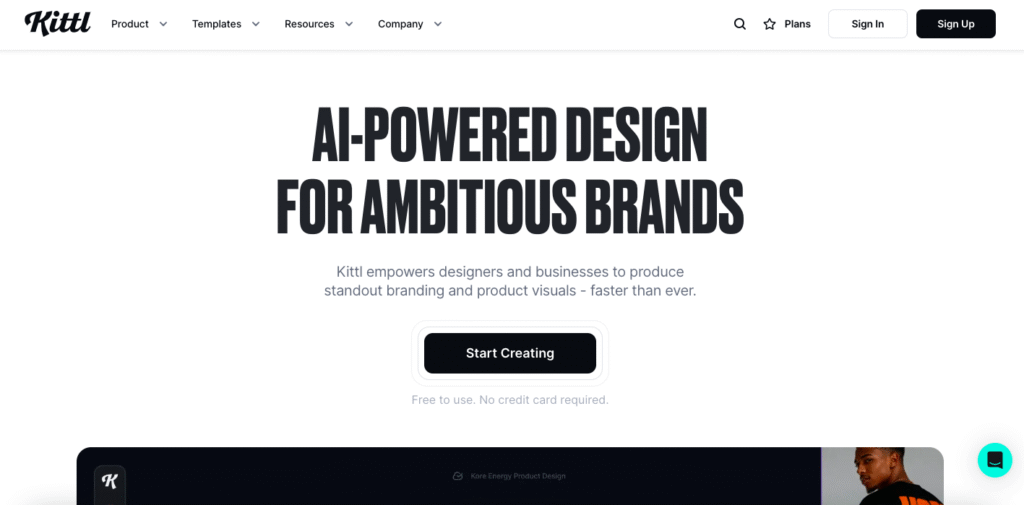
Kittl is an AI-powered design platform built for people who aren’t designers but need professional-looking graphics anyway. (So, most marketers.)
Here’s the productivity angle: you need a social post. Right now, you’d open Canva or go through AI image generators, scroll through templates for 10 minutes, customize for another 20, export, realize it doesn’t look right, start over.
With Kittl, you describe what you want, AI generates it, you tweak it if needed, done. We’re talking minutes instead of a couple of hours worth of collaboration with the design time.
Perfect for social posts, ad creatives, promotional graphics when you need volume without sacrificing team’s bandwidth.
Free plan available. Pro at $15/month. Expert at $30/month.
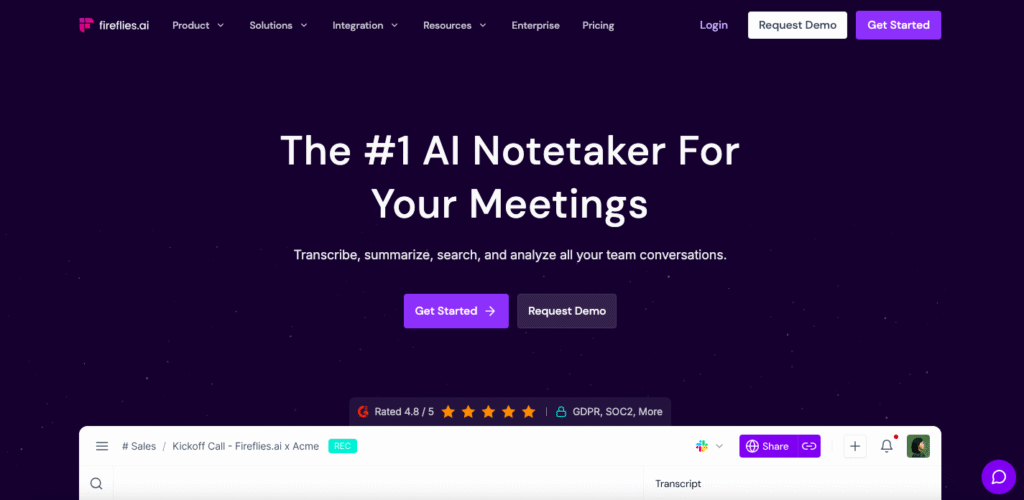
Fireflies is an AI meeting assistant that joins your calls, records everything, transcribes it, and pulls out action items automatically.
The time sink it kills? Meeting notes.
You’re sitting there half-listening, half-scribbling, trying to capture everything important. Then spending 30 minutes after the meeting writing it all up in a format people can actually use. Fireflies does that while you focus on the actual conversation. Better yet (and this is the real productivity hack), you can skip meetings entirely. J
ust review the 2-minute highlight reel later. If you’re in 10+ meetings weekly, you’re looking at 4-6 hours reclaimed for actual work instead of sitting in status updates you didn’t need to attend.
Free plan includes basic features. Pro at $10/user/month.
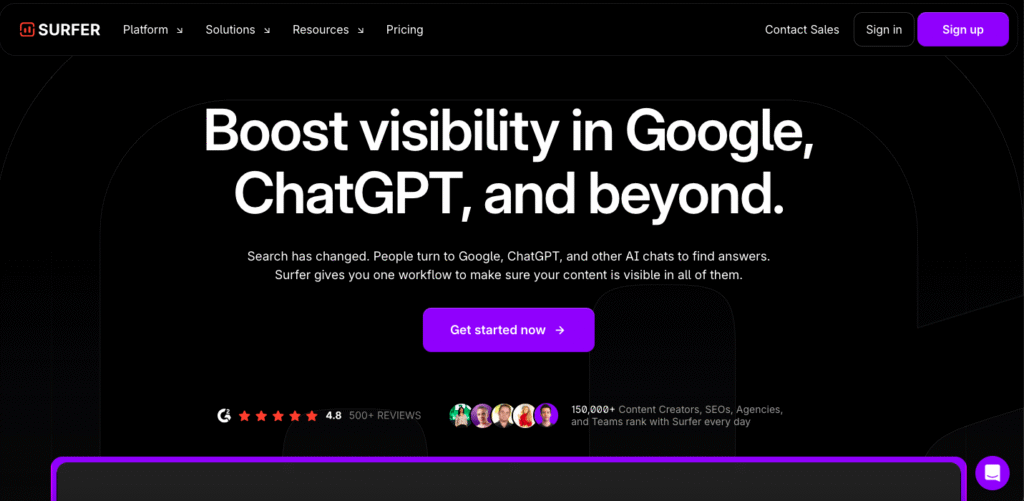
Surfer SEO is a content optimization platform that tells you exactly what Google wants before you write, while you write, and after you write.
It kills the “write, publish, pray, watch it not rank, rewrite” cycle. You get content briefs in 5 minutes with keyword research, optimal structure, and competitor analysis—work that used to take 2 hours of manual digging through search results.
Then as you write, real-time scoring tells you what’s missing. Too few headings? Not enough semantic keywords? Wrong content length? You know immediately, not three months later when it’s not ranking. Content briefs alone save teams 8-10 hours weekly. Plus you’re creating content that actually works instead of guessing and hoping.
Essential at $69/month. Scale at $149/month. Enterprise custom pricing.
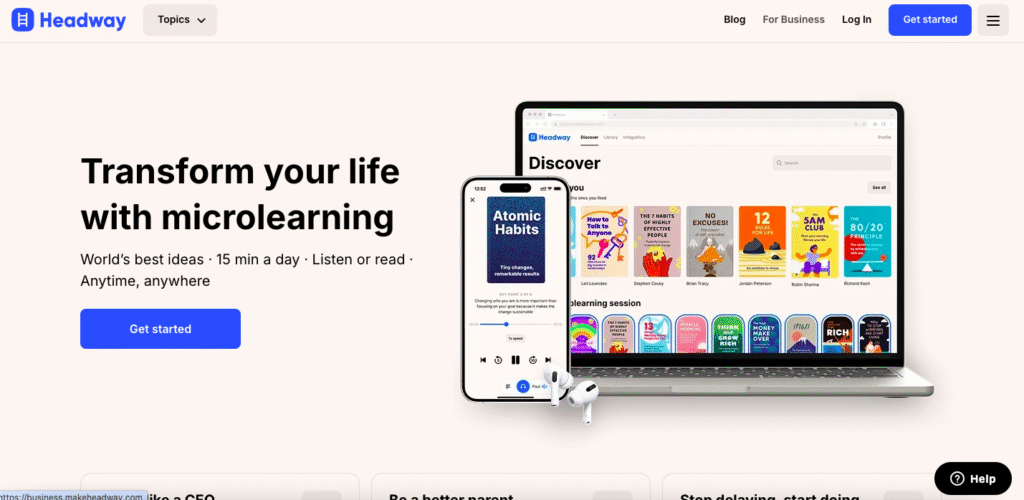
Till now, tools listed above helped improve marketing (& content) productivity. But this one’s a little different. Headway is a microlearning app that condenses bestselling nonfiction books into 15-minute summaries you can read or listen to.
Here’s the productivity angle for marketers: you get a chance to continue learning without sacrificing work time. You can learn key ideas during your commute, lunch break, or before bed. That’s how Headway makes reading accessible at all times and makes it easy to build a daily reading habit.
When you sign up on the app, you will go through a proper onboarding process where you will answer questions about your work life or what you want to learn. Based on that, Headway will be able to suggest you books that can help you improve productivity in your marketing career.
Subscription varies by plan.
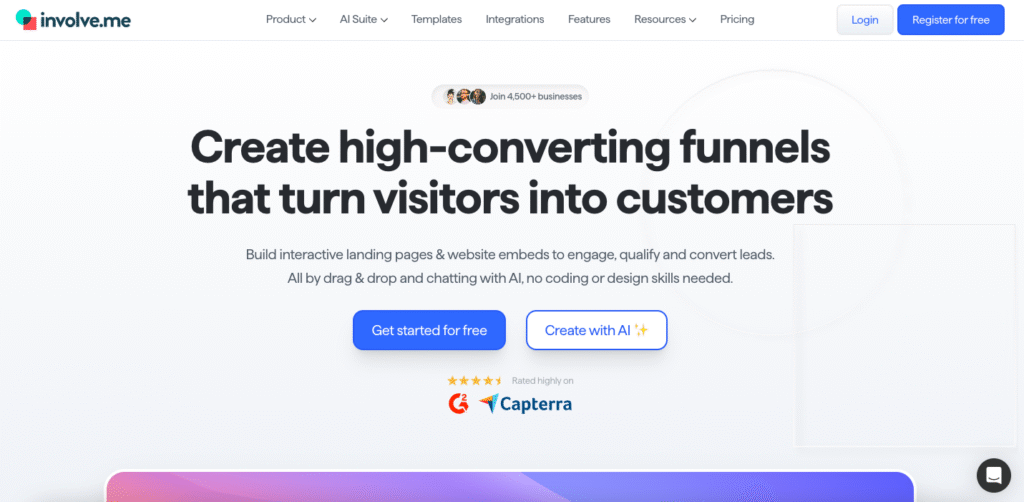
Involve.me is a no-code funnel builder for creating interactive tools like landing pages, quizzes, forms, surveys, and calculators that engage audiences and capture leads.
Basically, Involve.me as a productivity tool for marketers is helping eliminate time wasted on manual lead qualification and data collection. It also optimizes user experience because instead of sending static forms that nobody fills out, you create interactive experiences that people actually complete.
Marketing teams use it for product recommendation quizzes, lead scoring, and personalized paths, amongst other use cases You can even chat with the AI Agent to create a complete funnel that combines quiz, form, survey, and calculator elements using simple English prompts. The conditional logic routes users to personalized outcomes based on answers, qualifying leads automatically.
If you’re doing lead gen or trying to understand your audience better, you’re saving 3-5 hours weekly on manual follow-up and segmentation.
You can create a free account but starter plan costs $29
Vaizle AI is an AI agent built specifically for Facebook/Meta Ads analysis and campaign optimization. Think of it as having a Meta Ads expert on call 24/7.
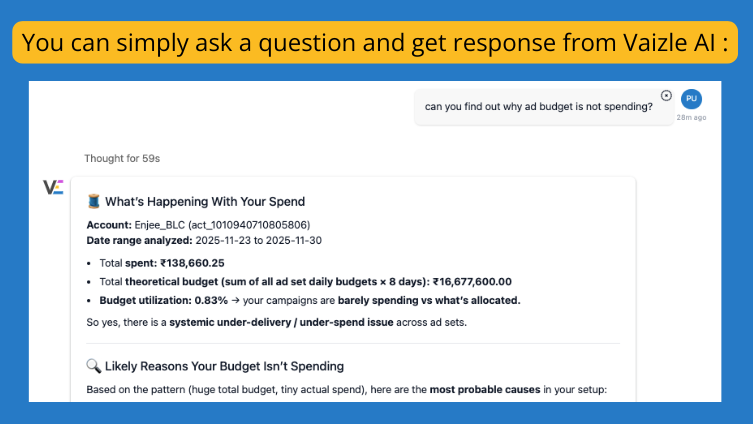
Here’s where it crushes productivity: analyzing your Meta ad performance. You know those hours you spend pulling data from Ads Manager, building reports in spreadsheets, trying to figure out why ROAS dropped? It can now all be done in seconds.
Connect your ad account, ask questions in plain English, and Vaizle conducts AI-powered campaign analysis in seconds. “Which campaigns had the best ROAS last month?” or “Show me ads with zero purchases” or “What’s my week-over-week ROAS trend?” — it understands Meta terminology and answers with charts, tables, and actionable recommendations. The Thinking Mode goes deeper, explaining the “why” behind performance changes with step-by-step analysis.
Real impact: Teams report 32% average improvement in ROAS and 70% time saved on reports. If you’re managing Meta Ads, you’re reclaiming 5-10 hours weekly from manual reporting and analysis.
Plans start at competitive rates. Free Meta Ads Strategy Audit included with subscription (limited slots monthly).
BEST PART? Vaizle AI is built by a team of marketers and has sucessfully analyzed more than $100M in Meta ad spend. As such, so it understands the real challenges marketers face daily, not just generic metrics.
There are plenty of other productivity tools for marketing teams. But sometimes the biggest productivity gains come from the smallest changes.
These are the hacks most marketers don’t talk about. The ones that feel almost too simple to work. But they do.
Right-click any Chrome tab and select “Add tab to new group.” Color-code them. Name them.
Suddenly you’re not hunting through 47 open tabs. You have “Client Work” in blue. “Research” in green. “Social Media” in purple. Click to collapse groups you’re not using.
Accidentally closed that important tab? Press Ctrl+Shift+T (Cmd+Shift+T on Mac).
It reopens your last closed tab. Press it again. And again. You can recover your last 10 closed tabs in reverse order.
No more “where did that article go?” panic.
Check emails at designated times rather than having them distract you all day. Schedule 30-60 minutes, 2-3 times daily.
Morning: Delete junk, delegate, flag urgent items. Afternoon: Draft responses for anything requiring thought. Evening: Final sweep before logging out.
The rest of the day? Email stays closed. No notifications. No temptation.
If an email will take less than 2 minutes to handle, respond to it immediately. Otherwise, add it to your task list.Quick replies prevent buildup. Everything else gets scheduled for batch processing.
Gmail. Calendar. Project management. Slack.
Right-click the tab. Select “Pin.” It shrinks to just the favicon and stays open even when you close Chrome.
Can’t accidentally close it. Always there. Uses minimal space.
Type “youtube.com” in Chrome’s address bar. Hit Tab. Now type your search query.
You just searched YouTube without visiting the site first. Works for Amazon, LinkedIn, Google Drive, basically everywhere.
Saves 10-15 seconds per search. Adds up fast.
Ctrl+T: New tab Ctrl+W: Close tab
Ctrl+Tab: Switch to next tab Ctrl+L: Jump to address bar Ctrl+D: Bookmark current page
Gmail keyboard shortcuts can save you a ton of time when managing your inbox. Press Shift+? in Gmail to see them all.
Most marketers schedule meetings. Smart marketers schedule “no meeting” time.
Block 2-3 hour chunks on your calendar for deep work. Mark them as busy. Protect them like your life depends on it.
The Pomodoro Technique consists of working solidly without distractions for 25-minute intervals with 4-5 minute breaks in-between.
Stop rewriting “Thanks for reaching out” 30 times a week.
Gmail Quick Responses. Outlook Quick Parts. Or just use Magical (from our tools list).
Five minutes of setup saves hours monthly.
The 1-3-5 rule is a simple method for staying productive without feeling overwhelmed. Aim to accomplish one big, three medium, and five small daily tasks.
One big task: Launch Q4 campaign Three medium tasks: Review ad copy, analyze performance, approve social posts
Five small tasks: Emails, meeting scheduling, brief reviews
Everything else can wait.
Seriously. All of them.
Simply turn off email notifications to focus on your more pressing tasks. Better yet, you can pause incoming emails from even showing up in your inbox.
You’ll check things when you’re ready. Not when they demand your attention.
Look, I get it. You’re drowning in work. You opened this article hoping for a magic solution. But here’s the truth: There isn’t one productivity tool that fixes everything. But there’s a system that does.
AI productivity tools work when you stack them strategically. When you eliminate the right time sinks. When you protect your focus like it’s your most valuable asset—because it is.
Start small. Pick one tool from this list. Master that one tool. Reclaim those hours. Then add another.
The marketers winning right now aren’t working 80-hour weeks. They’re working smarter with the right tools doing the heavy lifting.
So, now you’ve got the list. You’ve got the hacks. You know what’s eating your time. Now go get those hours back.
AI productivity tools are software platforms that use artificial intelligence to automate repetitive marketing tasks, analyze data faster, and eliminate time-consuming manual work. They help marketers reclaim 10-20 hours weekly by handling things like meeting notes, content repurposing, email responses, and campaign analysis automatically.
On average, marketers save 8-15 hours weekly using AI productivity tools. The exact savings depend on which tools you use and how many repetitive tasks you currently do manually.
Yes, many free AI tools offer substantial value. ChatGPT’s free version, Magical’s free plan (600 expansions monthly), Notion’s free tier, and Kittl’s free plan all provide genuine productivity gains without cost. Start with free versions to validate the time savings, then upgrade to paid plans only when you hit their limits.
Follow the “one in, one out” rule: For every new tool you add, remove one you’re not using. Before adding any tool, ask: Will I use this weekly? Does it solve a problem costing me hours? Can it replace multiple existing tools? If you can’t answer yes to at least two of these, skip it.
No. AI tools handle repetitive tasks, first drafts, and data analysis. But they can’t replace strategy, creativity, brand understanding, or relationship building. Think of AI as your assistant that handles the grunt work so you can focus on the high-value work that actually requires human judgment and creativity.
Start with a specific problem, not exploring all features. For example, if you’re learning Notion, start by creating one project database, not building your entire workspace. Use the tool daily for 2 weeks focusing on solving that one problem. Once it’s habit, add another feature. Most people quit because they try learning everything at once.
Most reputable AI tools (like those listed here) use enterprise-grade security and comply with GDPR/privacy regulations. However, always review a tool’s security practices before connecting sensitive data. Look for: SOC 2 certification, data encryption, clear privacy policies, and options to delete your data. When in doubt, use tools recommended by other marketers in your industry.

Purva is part of the content team at Vaizle, where she focuses on delivering insightful and engaging content. When not chronically online, you will find her taking long walks, adding another book to her TBR list, or watching rom-coms.
Copyright @VAIZLE 2026
